


AI tools are everywhere in design conversations right now. Generative AI can turn a text prompt into a rough UI layout in seconds. Tools like Adobe Firefly, DALL-E, and prompt-to-UI generators are changing how fast ideas move from concept to screen. Google Labs and other platforms keep releasing new AI systems built specifically for design work.
So it makes sense that founders and product teams are asking a real question about UX and AI: do you still need to hire a design agency, or can AI design tools do the job? It's a question a lot of designers, not just clients, are asking too.
Here's the real difference: AI tools generate options. A design agency takes accountability for the outcome, the research behind it, the user testing that proves it actually works, and the judgment calls when there's no clear right answer. That accountability is what AI design tools don't do, and it's what matters most once a product gets complex.
What AI-powered design tools are actually good at
Let's give credit where it's due. AI UI design tools are genuinely useful, and pretending otherwise doesn't help anyone.
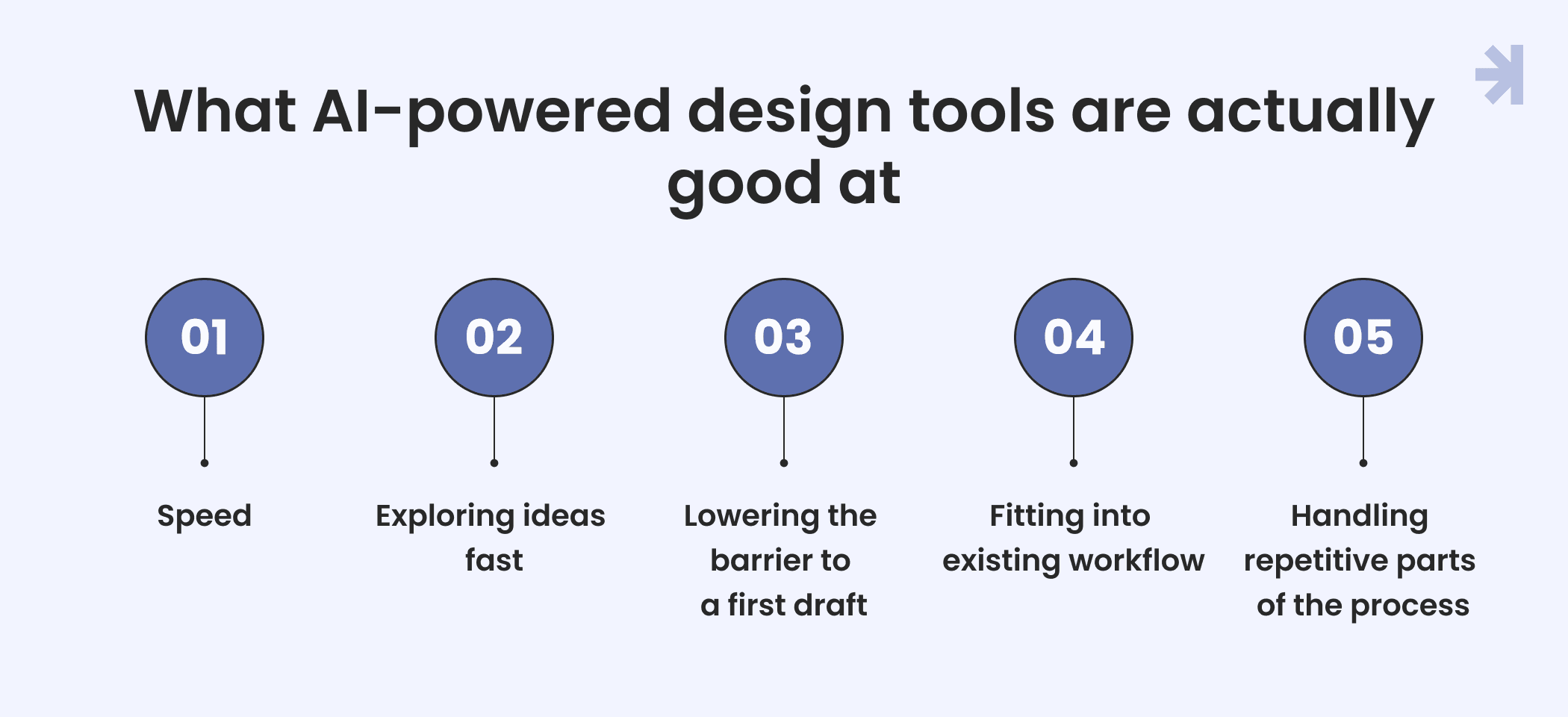
1. Speed
This is the biggest one. A designer used to spend hours building rough concepts. Now, with simple prompts, you can generate layouts and see multiple visual directions in minutes. Prompt-to-UI generation tools take a text prompt and turn it into something you can react to right away. For UI design work specifically, this cuts hours off the early stages.
2. Exploring ideas fast
AI is a great brainstorming partner. If you're stuck on UI ideas or want to see different directions and approaches side by side, generative AI can produce a wide range of rough concepts quickly. It's less about the final solution and more about giving you something to react to.
3. Lowering the barrier to a first draft
You don't need to be a product designer to get something on screen. Tools like Figma Make or other AI-powered design software let anyone with a clear text prompt produce a usable starting point. That's a real shift from a few years ago.
4. Fitting into existing workflow
A lot of these tools plug into the Figma or other tools teams already use, so switching tools or adding one more step doesn't mean starting from scratch.
5. Handling repetitive parts of the process
Machine learning models are good at pattern-based work: resizing layouts, applying design systems across screens, or generating variations of the same user interface. That frees up UX professionals to spend time on harder problems. This is where AI tools for UX design earn their place and where UX workflows genuinely get faster.
None of this makes AI a replacement for a design agency. But it does mean AI UX design tools have earned a real place in the workflow, especially in the early, exploratory stages.
Where AI tools hit their limits on complex products
This is where the real difference between a design agency and AI design tools shows up.
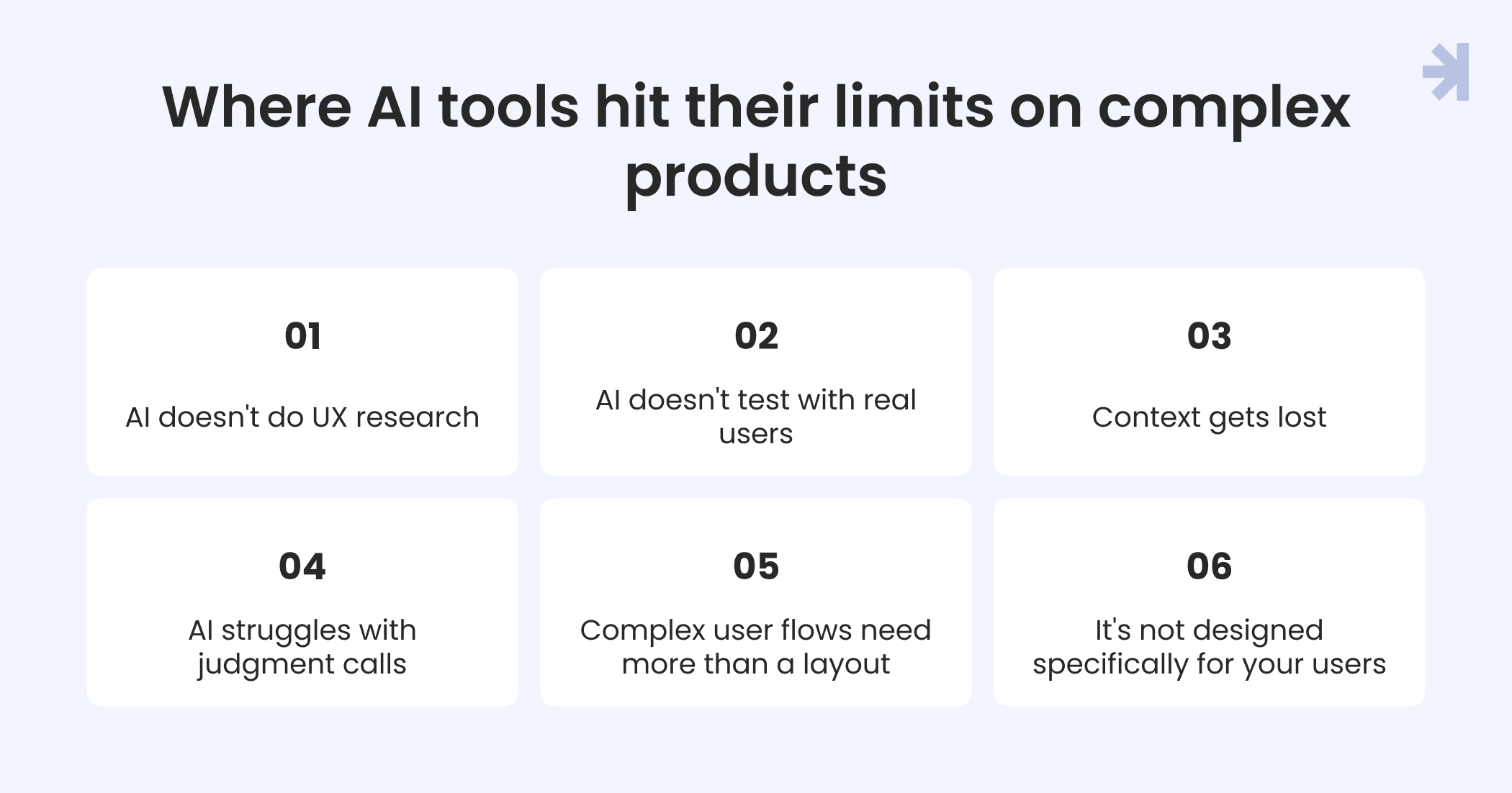
1. AI doesn't do UX research A generated layout might look clean, but it's not built on real data or real conversations with users. It's a pattern based on data the AI models were trained on, not on how your specific users actually behave. For a healthcare platform or an enterprise tool with multiple user roles, that gap matters a lot.
2. AI doesn't test with real users
User testing means watching actual people struggle, hesitate, or misunderstand a flow, then fixing it. AI tools can't sit in on that session or catch the moment a user gets confused. That kind of feedback loop still needs a human process behind it.
3. Context gets lost
A text prompt can't carry the full context of a product: compliance requirements, edge cases, how different users interact, or what a stakeholder actually meant in a meeting. UX designers carry that context across the whole design process. AI systems generate based on the prompt in front of them, nothing more. Natural language input only gets you so far when the real requirements live in someone's head.
4. AI struggles with judgment calls
Design judgment, knowing when a "correct" layout is still the wrong choice for this product, isn't something you can prompt-engineer your way to. It comes from experience across many products, not from one generative AI session. This is one of the UX trends worth paying attention to: judgment is becoming the differentiator, not output speed.
5. Complex user flows need more than a layout
Interactive prototypes for a multi-role SaaS platform, or a healthcare tool with different permission levels, involve decisions that ripple across the whole system. That's a process, not a single AI output.
6. It's not designed specifically for your users
Even the best AI design tools are built to be robust tools across many use cases. A design agency builds around your specific users’ needs, your user behavior, and your product, not a generic best guess. Higher quality outputs come from that specificity, not from a bigger model.
None of this means AI UI/UX design tools aren't useful. It means the ways AI helps and the ways a design agency helps aren't really in competition. They solve different problems.
A real example: Designing for three user roles at once
Take a real example: Tiro.health, a medical documentation platform used by doctors, nurses, and administrators.
The challenge wasn't a single interface. It was three different user roles with different needs pulling in different directions: doctors needed speed and trust in AI suggestions, junior staff needed to build forms without waiting on developers, and the whole system needed to stay consistent and accessible across every screen.
This is where a design agency's process shows its value. Through research and user testing with the actual people using the platform, the team designed two distinct experiences sharing one design system: a drag-and-drop form builder for nurses and administrators and a keyboard-first form for doctors with inline AI assistance that made AI suggestions visible and easy to accept, edit, or override. Real data from those sessions shaped every decision.
The results were measurable across all three roles:
- Doctors completed medical forms up to 20% faster
- Junior staff reduced form creation time by around 30%, removing a developer dependency that had been a consistent bottleneck
- A shared, WCAG-compliant design system cut development time by around 25% and kept the human experience consistent across every user group
No prompt to a UI generation tool gets you here. This outcome came from understanding how three different user journeys depend on each other, then designing for those dependencies, not from generating a layout in isolation.
Read the full Tiro.health case study
The real question to ask yourself
By now the point should be clear: this isn't AI vs UX designers. It's about knowing what each one is built for.
If you're exploring rough concepts, need quick visual directions, or want to speed up repetitive parts of your design process, AI UX design tools are a genuinely useful part of the workflow. Use them. There's no reason not to.
But if you're building a product with real user value at stake, multiple user roles, compliance requirements, or a user journey where getting it wrong costs trust (healthcare is the clearest example, but any complex SaaS or enterprise product qualifies), the questions get harder:
- Do you understand how your different users actually behave, or are you guessing?
- Has anyone tested this with real users, or does it just look right?
- Who's making the judgment calls when the "correct" layout is still the wrong choice for this product?
- Who's carrying the full context of this product across every screen and decision?
If AI tools can answer those questions for your product today, use them. If they can't, that's the point where a design agency starts to matter.
The honest answer for most complex products is both: AI UX design tools for speed and early exploration, a design agency for the research, testing, and judgment that turns a rough concept into something real users can actually rely on.
How MagicFlux actually uses AI tools internally
We don't just design AI products. We design with AI, too.
Our approach is Human-in-the-Loop: AI speeds up exploration and execution, but experienced designers stay responsible for strategy, usability, accessibility, and every final decision. AI doesn't get to make the judgment calls. It gets to help us make them faster.
In our own workflow, that looks like:
- Figma AI for early exploration and speeding up repetitive production work
- Claude Code for prototyping, turning ideas into interactive prototypes faster than static mockups allow
- Custom GPTs built around our own design process and design systems
- Design automation for the pattern-based, repetitive parts of the job
- Internal AI tooling built specifically for how our team actually works
The result isn't AI replacing designers. It's more ideas explored, faster iterations, and a more user-friendly outcome because the tools handle speed while our UX professionals handle the judgment, context, and user value that speed alone can't deliver.
It's the same principle we apply to client work: AI accelerates the process. It doesn't replace the process.
Speed is easy. Trust is the hard part
AI tools aren't going anywhere, and they shouldn't. But some products need more than a fast draft. If yours is one of them, the next step isn't picking AI or an agency. It's figuring out where you actually stand.
Not sure which parts of your process still need a human? Grab our briefing guide.
Will AI replace UX designers?
No. AI can speed up ideation, prototyping, and repetitive production work, but it can't do user research, run user testing sessions, or make the judgment calls that come from experience. UX designers stay in the loop; the tools just change what they spend time on.
Can AI design tools replace a design agency?
For simple projects, sometimes. For complex products with multiple user roles, sensitive data, or real consequences if the interface is confusing, AI tools can speed up the process but can't replace user research, user testing, or the judgment that comes from experience.
What are the best AI design tools for UX work right now?
It depends on the stage. Tools like Figma AI and generative image tools are strong for early exploration and rough concepts. Prompt-to-UI tools are useful for quick prototypes. None of them replace the research and testing that come later in the process.
How do I hire a UX designer or design agency instead of relying only on AI?
Look for a team that can show real outcomes on real products, not just polished mockups. Ask about their user research and testing process, how they handle multi-role or complex products, and what accountability looks like if something doesn't work after launch.
Do design agencies use AI tools too?
Yes, most modern design teams use AI tools somewhere in their process, usually for ideation, prototyping, and content drafts. The difference is how the output gets reviewed, tested, and refined before it ships.
Is it cheaper to use AI tools instead of hiring a design agency?
AI tools are cheaper upfront and faster for a first draft. But for complex products, the cost of getting it wrong (confusing flows, accessibility issues, features users can't figure out) usually shows up later, in support tickets, lost users, or a rebuild.
When should I hire a design agency instead of using AI tools?
When your product has multiple user roles, real user data at stake, or a user journey where getting it wrong costs trust, healthcare and complex SaaS platforms are common examples. That's when research, testing, and judgment matter more than speed.
Can AI tools handle user research and testing?
No. AI tools can generate layouts based on patterns, but they can't observe real users, catch confusion in a testing session, or understand the specific context of your product. That still requires a human process.